It's been a month since I last did anything about this series. I'm hoping I can be more consistent this time around!
In my last post, I was trying to figure out how to get the content from the mobile app.
I had a rough idea of how i'd do that, and with any luck, i'll get it done this time around!
First attempt: install on Mac & reverse engineer it
Here's what I'll try to do:
- Install the app on my Mac
- Setup a proxy to intercept the traffic
- Parse the links requested to the app, and we're done!
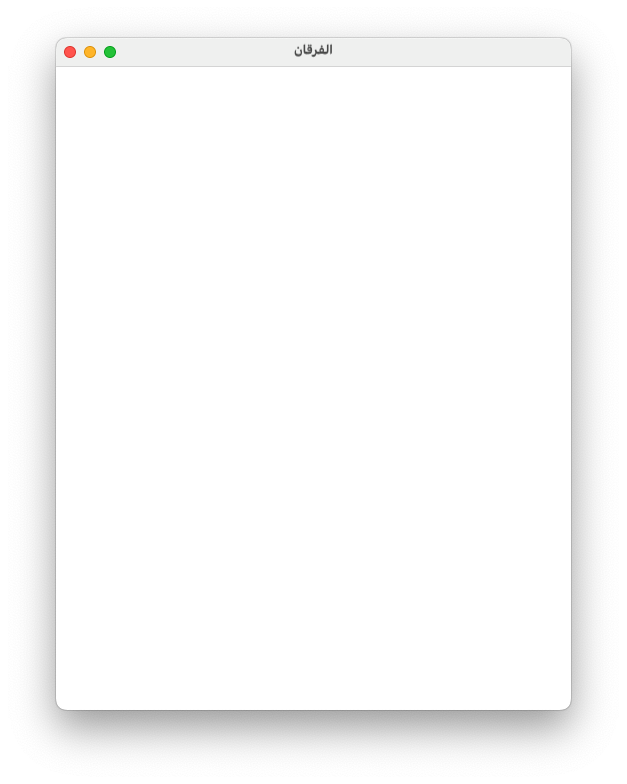
However, I wasn't able to get very far -- since the app didn't run on the Mac:
Second attempt: Chrome remote debug
I just realized Chrome had a feature which allows you to debug Chrome instances inside mobile apps. And I'm wondering if I can just run the app on my mobile and then inspect the Chrome instance assuming it is using a Chrome instance on my device using the Chrome browser on my Mac.
Steps:
- Enable "Developer options" on your Android
- Turn on "USB debugging"
- Go to
chrome://inspect/#devices - Hope that you can see the app.
Unfortunately for me, it didn't show up. I could see my Chrome browser session and the tabs, but not the articles loaded through the app.
Hmm...
Third attempt: run on device emulator
Okay so maybe the Mac thing was a new feature and it's not fully supported by this app so instead what I'm going to do is try to run it on the iOS simulator.
I found a guide that allows Proxyman to intercept traffic from an iOS simulator without any special configuration. That sounded perfect!
Let's try it:
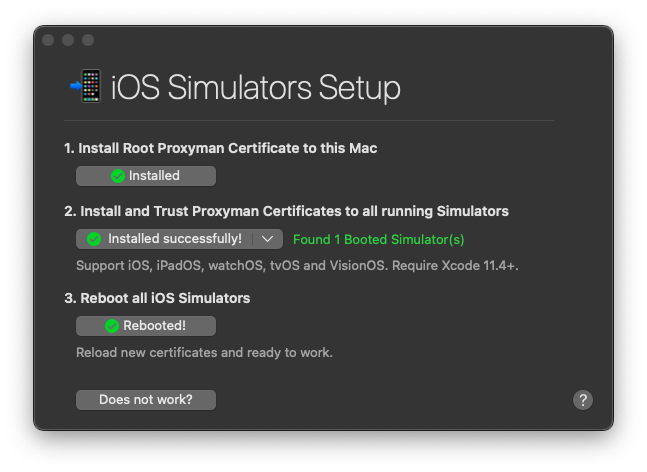
Didn't work! Kept getting a handshake error.
Hmm...
Fourth attempt: installing Proxyman on physical device and setting up a VPN
Fired up an old iPhone 7 that I had and downloaded Proxyman. Unfortunately, turns out it needs iOS 16+ to run.
Ukh...
Fifth attempt: Android
To be continued... Ran out of my 1 hour!